When cargo is close to arriving, the carrier or shipping line issues an Arrival Notice — and it often reaches you through your freight forwarder. From that moment the shipment starts to feel urgent. The supplier may ask for the final balance. The forwarder may send local charges. Your declaring agent may ask for supporting documents.
If your files are spread across email, WhatsApp, shared folders and PDF attachments, it is easy to treat the Arrival Notice as a green light. That is the risky part.
An Arrival Notice is important, but it is not a document check. It tells you that cargo is due to arrive, and it gives you the references to prepare with. It does not confirm that the invoice, packing list, B/L or AWB, charges and permit preparation are aligned.
What an Arrival Notice actually tells you
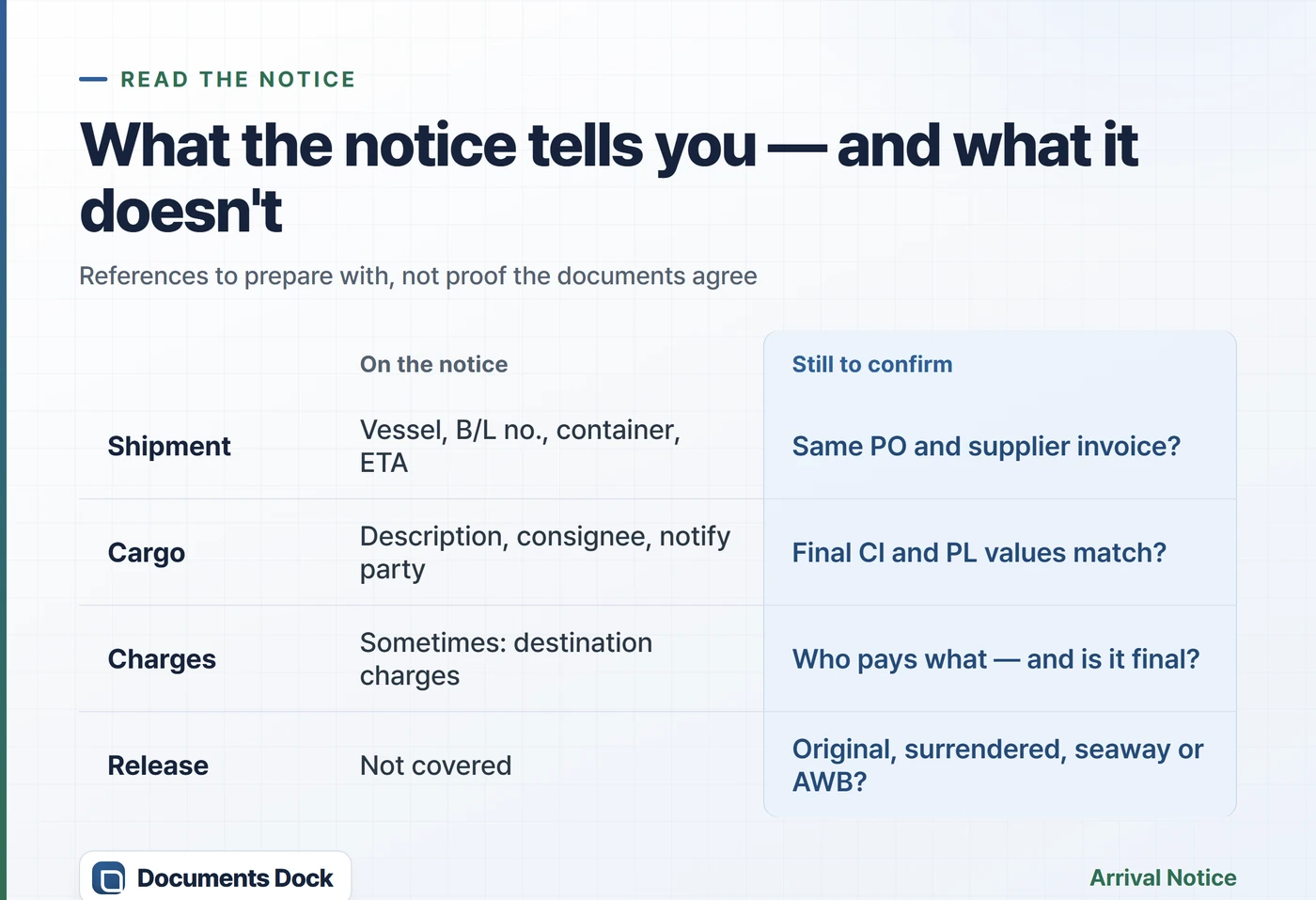
A typical notice carries shipment references — vessel or voyage, B/L number, container details, ETA, consignee and notify party — and a cargo description. Destination charges are sometimes included, but just as often your forwarder sends those separately, so the notice alone does not tell you what is payable, by whom, or whether it is final.
Use it as the trigger to start import preparation, not as final approval to pay or to release cargo. Carriers describe it as an advisory document sent to the import side ahead of arrival — it is not the transport document itself, and it does not replace one.
In Singapore, the paperwork still matters even when an agent handles clearance. Depending on the product category, an import permit may be required, and Singapore Customs guidance points to supporting documents — invoices, packing lists, the Bill of Lading or Air Waybill — in cargo clearance contexts. Traders are also required to keep their trade documents for at least five years. If you import regulated goods such as food or beverages, start from our Singapore import customs guide.
A trigger, not a green light
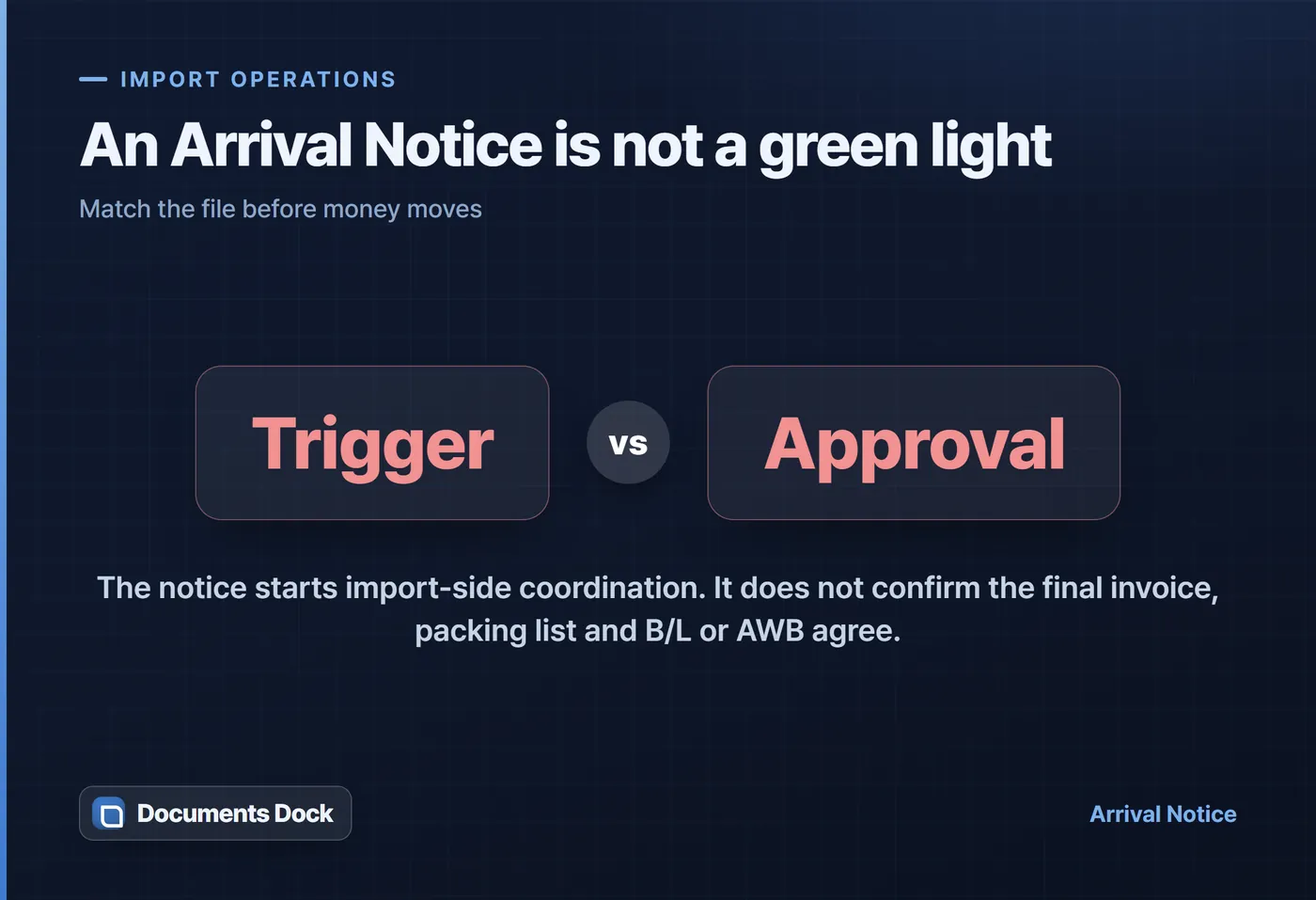
The Arrival Notice starts import-side coordination. Payment and release decisions belong to the document set — the final commercial invoice, packing list and B/L or AWB — not to the notice.
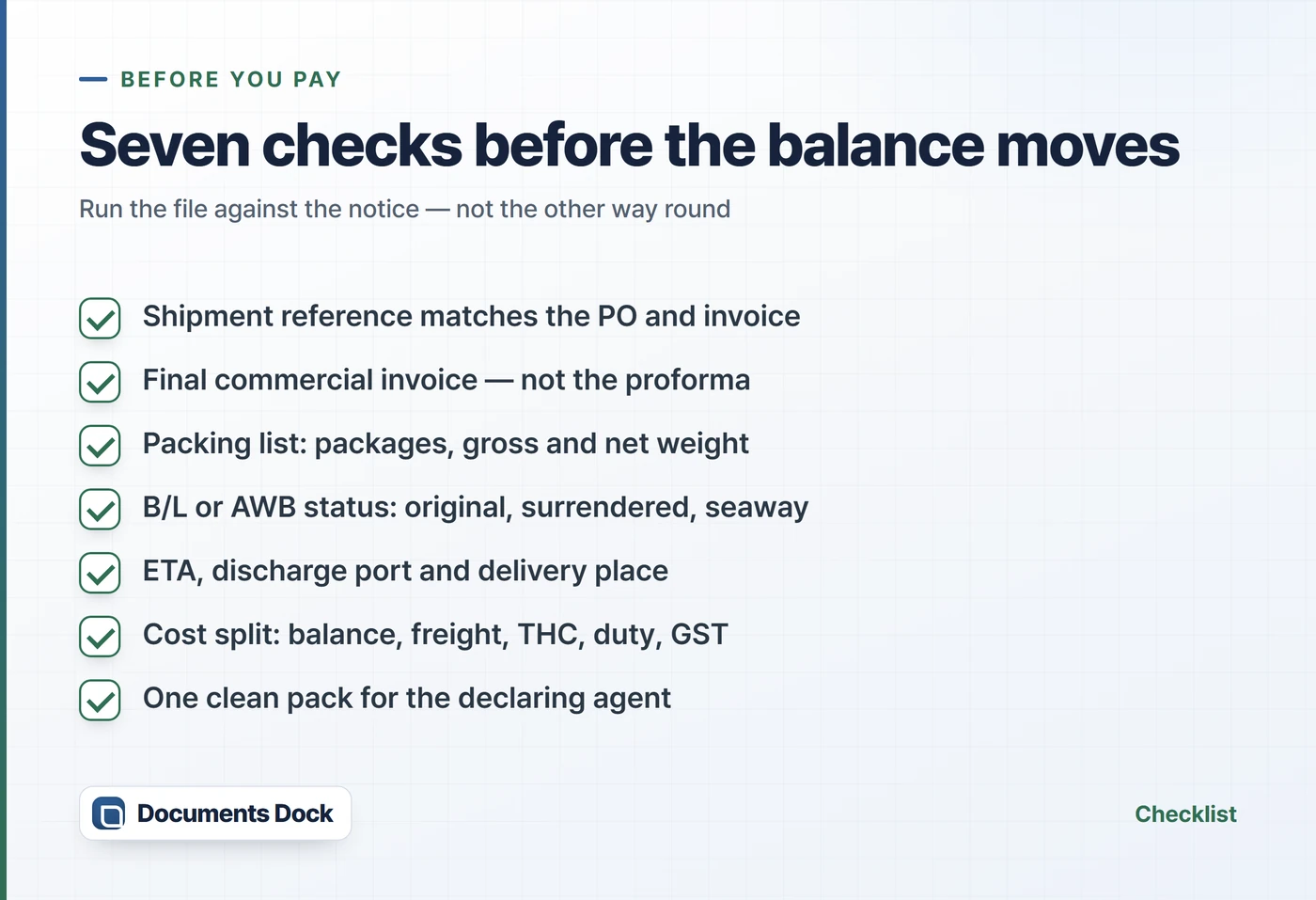
Check these seven things before paying or forwarding the file pack
Small differences — a package count, a weight, an invoice version — rarely stop a shipment on their own. What they reliably produce is repeated questions from the forwarder or the declaring agent, and a payment made against the wrong reference.
- Shipment reference — the B/L, booking, container or AWB number on the notice belongs to the same purchase order and supplier invoice.
- Final commercial invoice — you are holding the final version, not an earlier proforma or a revision buried later in an email thread. See how to write a commercial invoice.
- Packing list — package count, gross and net weight, and carton or pallet details agree with the invoice.
- B/L or AWB status — original, surrendered, sea waybill or air waybill: the release steps differ. See Bill of Lading vs Air Waybill.
- ETA and place of delivery — ETA, port of discharge and final delivery location match your warehouse or customer plan.
- Cost responsibility — separate the supplier balance from freight, local charges, THC, delivery order fees, storage, duty and GST. One notice does not mean every charge is final or payable by the same party.
- Declaring-agent handoff — one clean pack: commercial invoice, packing list, B/L or AWB, certificate of origin when relevant, and permit or licence references if applicable.
Send one message before money moves
You do not need a perfect email. You need one short confirmation that freezes the reference version before payment:
Before you pay
Please confirm this Arrival Notice matches the final commercial invoice and packing list for this shipment. Before we proceed with the balance payment or destination charges, please reconfirm the B/L or AWB number, container number, ETA, final quantity, gross weight and release requirements.
The common mistake — and where it bites
The common mistake is storing the Arrival Notice apart from the invoice, packing list, B/L or AWB, supplier emails and the declaring-agent request. At first it looks harmless.
A few weeks later, nobody is quite sure which invoice version was paid, which packing list went into permit preparation, or which B/L reference was sent to the agent. That is where a small document mismatch becomes an operational delay.
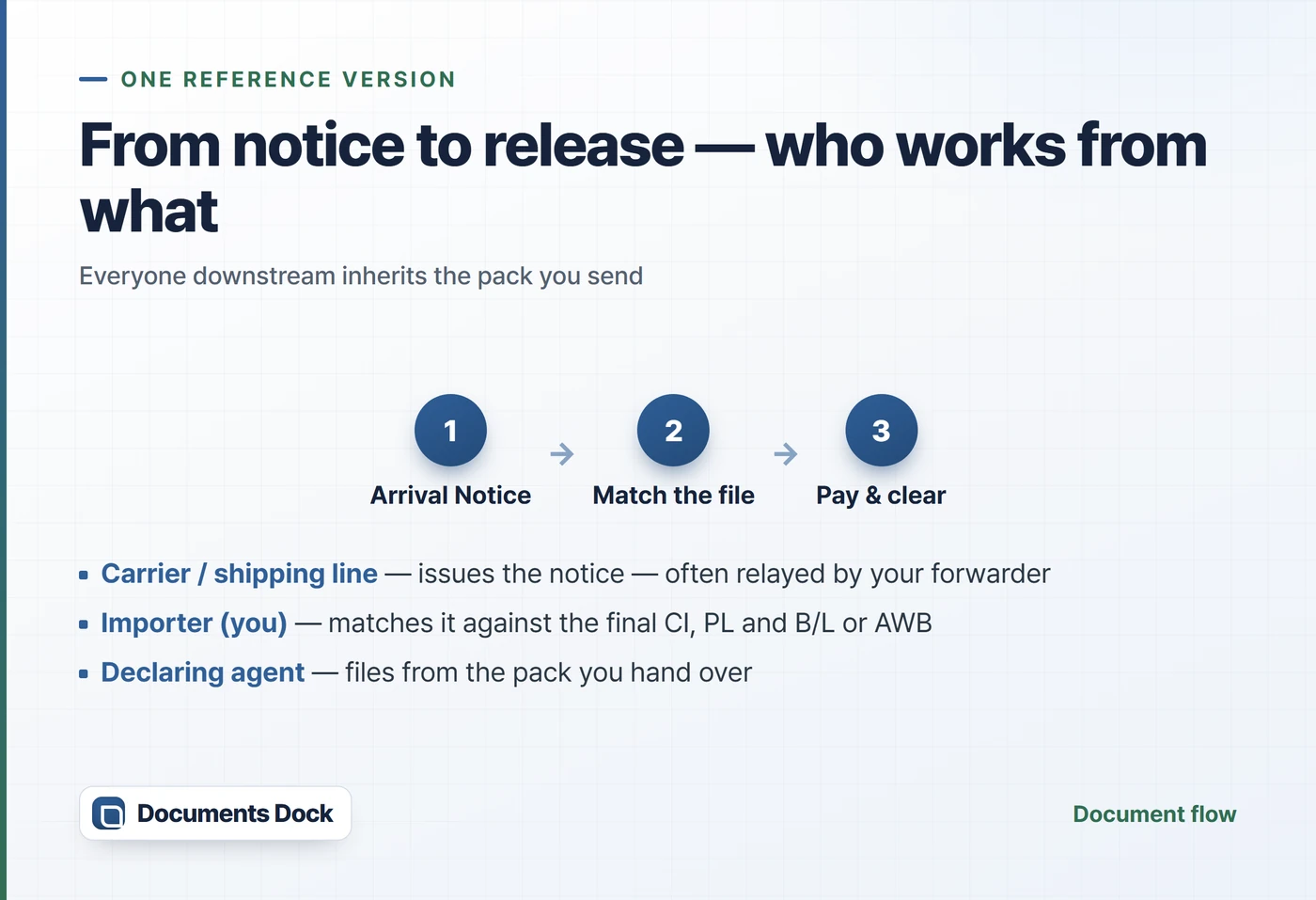
One definition helps here. In Singapore, the declaring agent is the licensed party that files your customs declaration through TradeNet — often your freight forwarder or a customs broker acting in that role. Whoever plays it, they work from the pack you send them. If the pack is stale, the declaration inherits the mistake.
How Documents Dock helps
Documents Dock is a shipment document workspace for importers and small traders. It is not a TradeNet front-end, a declaring agent, a customs broker, a tax adviser or a logistics provider.
Its job is simpler: keep each shipment's supplier documents, CI and PL, B/L or AWB, Arrival Notice, declaring-agent bundle and permit references together as one record — so the version you pay against is the version everyone else sees. For a map of the wider document set, start from the full export document set, in order.
For Singapore teams that repeatedly import food, ingredients or packaged goods, the same suppliers and SKUs come back every month. A clean shipment record cuts the follow-up and makes last quarter's file easy to retrieve.
Sources and scope
This is a general document-operations guide for import teams. It is not customs, tax, legal, banking or logistics advice. Confirm shipment release, payment responsibility, permit handling and cargo clearance requirements with your forwarder, declaring agent, carrier or the relevant authority.
- Maersk, Arrival Notice FAQ — maersk.com/support/faqs/arrival-notice
- Singapore Customs, Import Operations overview (supporting documents for clearance) — customs.gov.sg
- Singapore Customs, Retaining your trade documents (five-year requirement) — customs.gov.sg
- Singapore Customs, TradeNet — declarations are submitted by declaring agents — customs.gov.sg